Integrated Sinric Pro support
Link MobileD to your Sinric Pro account using the settings in the light’s web portal.

MobileD includes Sinric Pro integration, letting you control the light through compatible Alexa and Google Home services. It complements the MobileD apps and professional control — it is not a separate version of the light.
Link MobileD to your Sinric Pro account using the settings in the light’s web portal.
Link Sinric Pro in the Alexa or Google Home app, then use the connected service to control MobileD by voice.
Keep using MobileD apps for colour, groups, Matrix and Music. Smart-home integration is another way to control the light, not a claim that voice assistants expose every app effect.
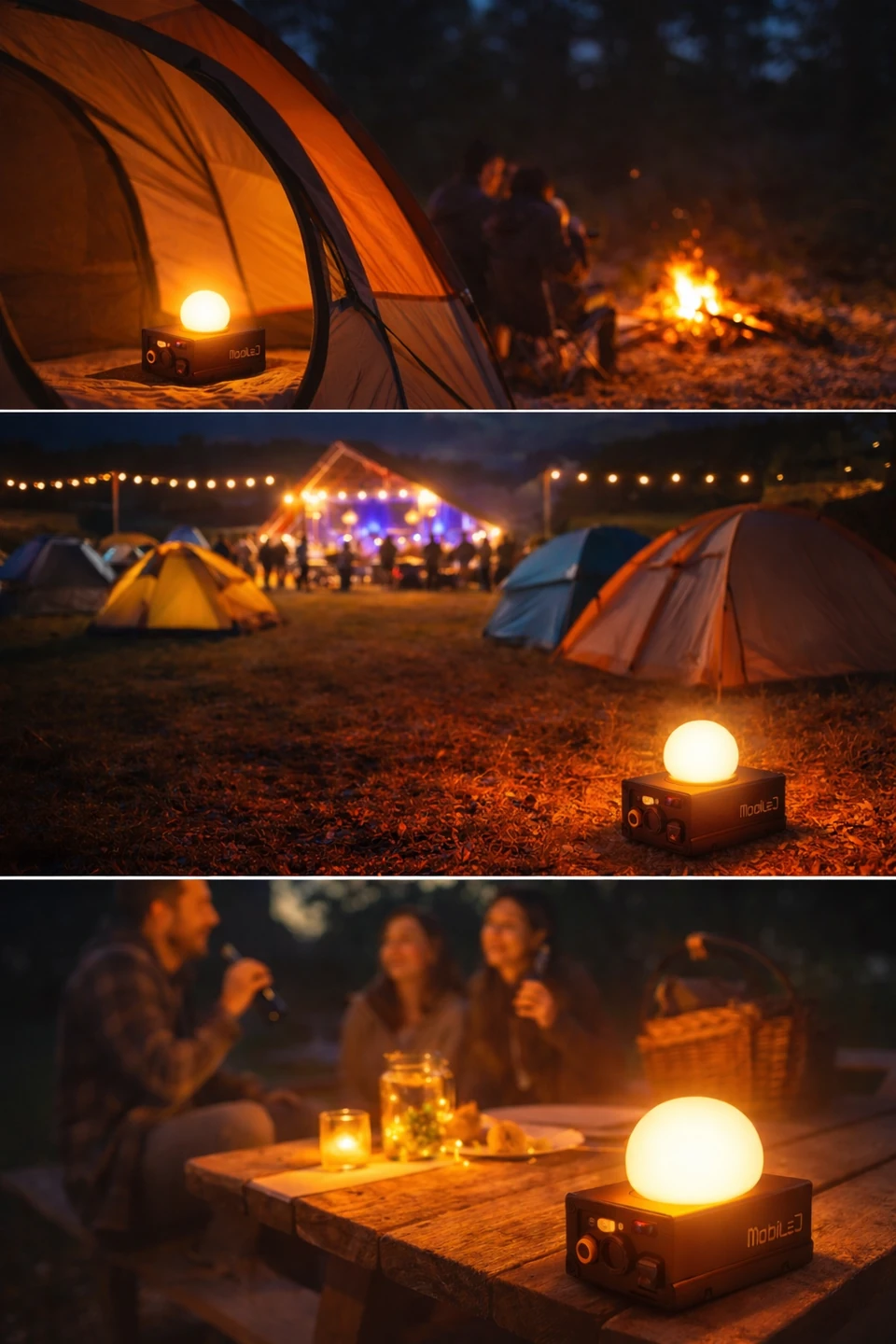
The same base can have a place in your personal moments, not just the show. A diffuser designed for the source can change the way you experience the light.
Owner-supplied illustration, not a photograph of a tested installation. The depicted case and diffuser do not necessarily represent the current design or included accessories.
The outdoor setting is inspiration, not evidence of waterproofing: MobileD remains an indoor IP20 light for dry conditions, away from water, condensation, flames and heat sources.
Cloud/voice control requires Internet access, an account and the relevant third-party service configuration. Sinric Pro and assistant services have their own terms, limits and possible charges; check the current plan before use. Local app and DMX control are separate from these cloud services. This website does not create accounts, activate subscriptions or ask for your connection credentials.
Need help setting up the integration?
Support